 jobsite.work· your mobile office
 Español
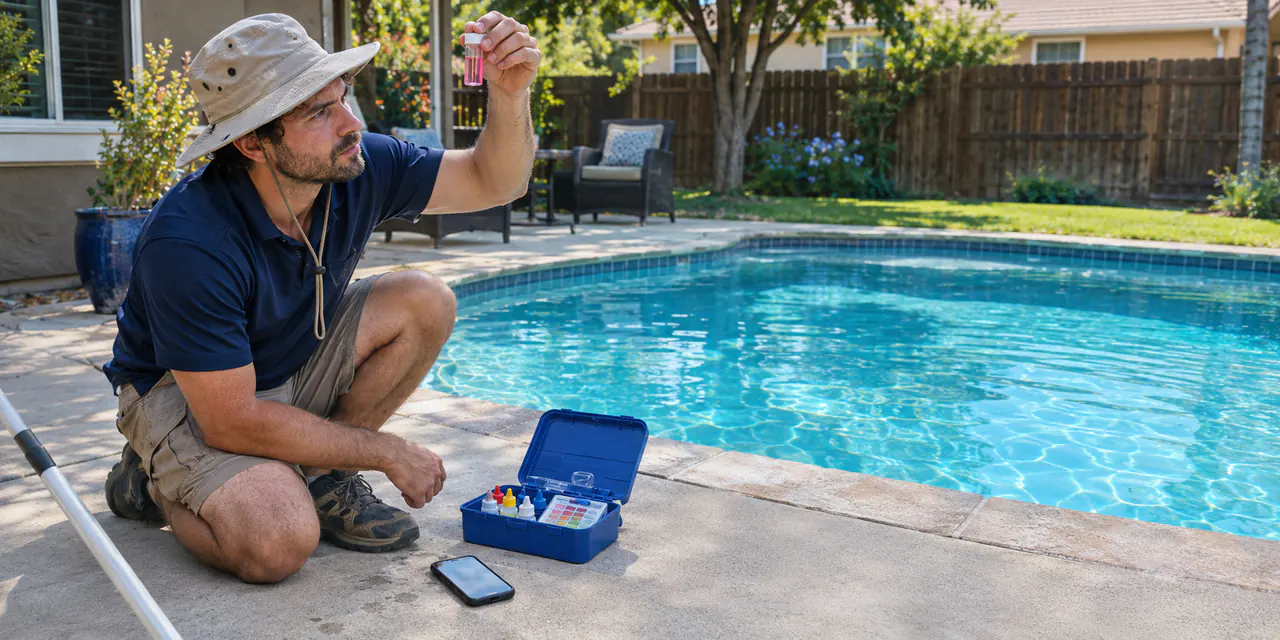
Readings in two taps. Report sent. Next pool.
Lecturas en dos toques. Reporte enviado. A la siguiente alberca.
Weekly stops on a calendar, your route planned with one tap, chlorine and pH in two taps. In English and Spanish.
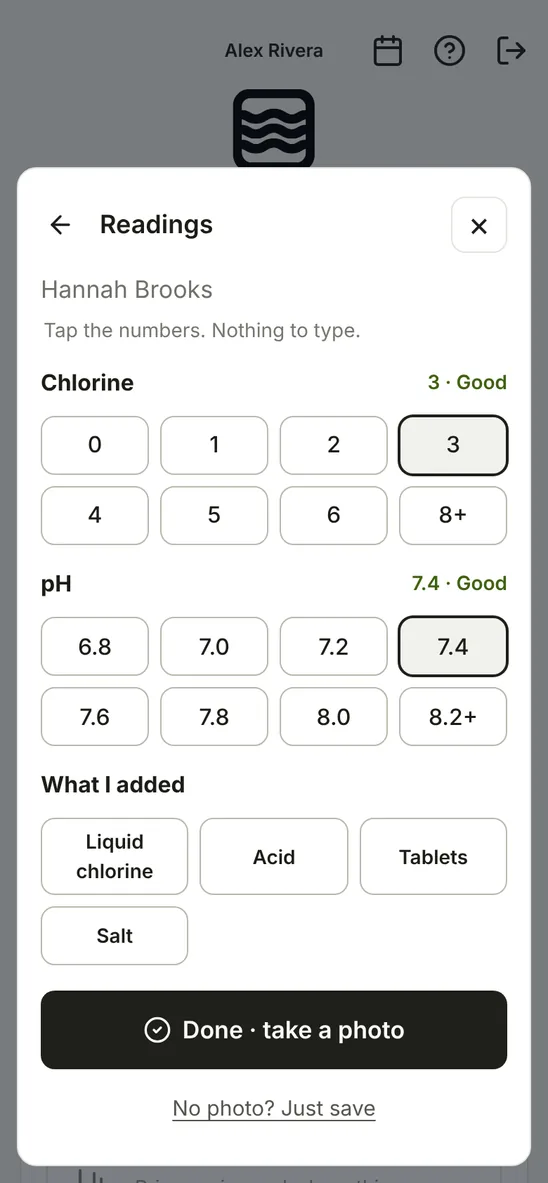 The real app, not a drawing.

Weekly service, priced your way. Chemicals only, weekly cleaning or full service. Your client picks one.
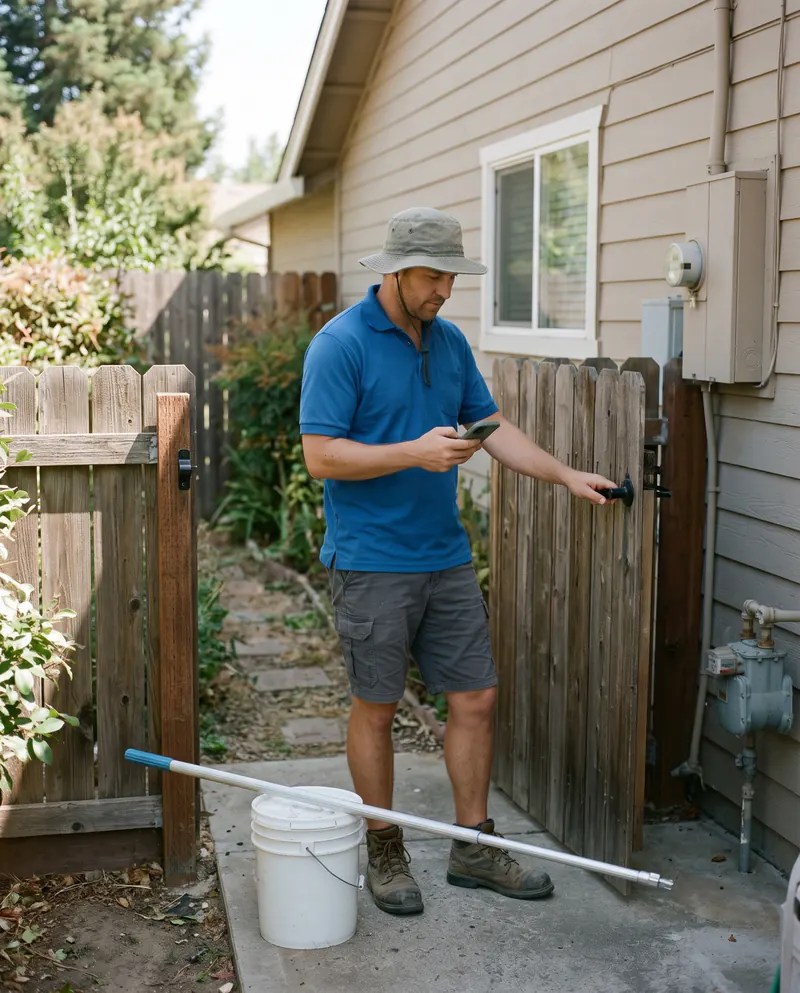
Today's stops with gate codes and notes. Tap Done, tap the readings, take a photo.

Your client gets a pool report with the photo after each visit. Bills are ready on the 1st. One tap sends them all.
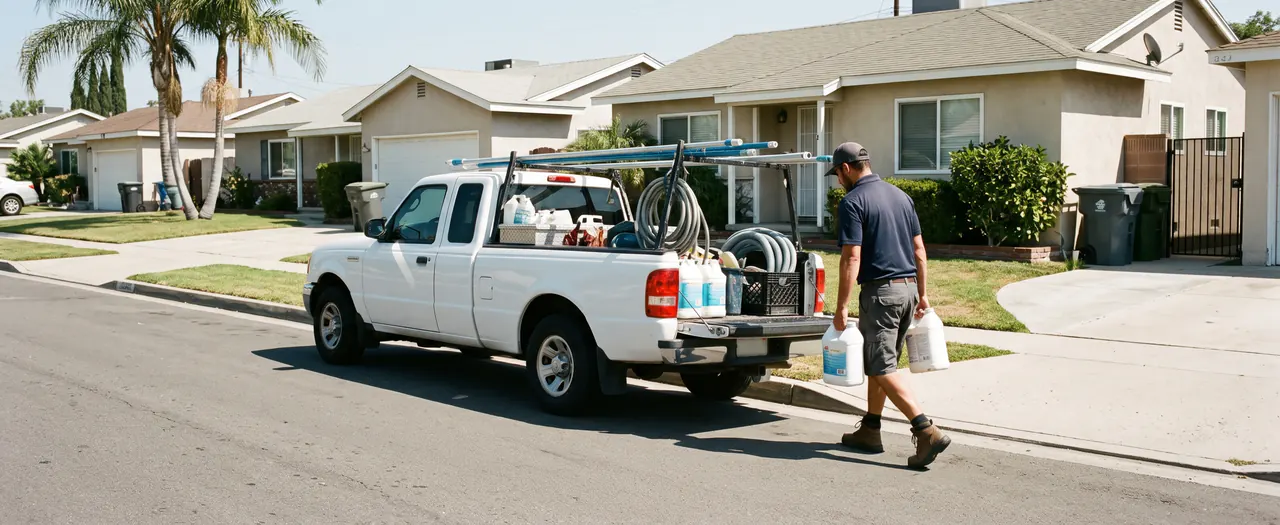
Made for owners who still work the job.
Everything the Pool app does
Win the job
 Homes and businessesHome, HOA, apartments, hotel, gym, school, city pool.The waterPool, spa, wading pool or fountain. Gallons, salt or chlorine.How oftenA home every week or every 2 weeks. A business 1 to 7 visits a week, on the days you pick.Three choices for the clientChemicals only, Weekly cleaning, Full service. Your client picks one. Or give one price.One monthly priceYour last prices fill in, or example prices to start. Round it if you like.Add-ons in one tapFilter clean, salt cell, green pool, acid wash, opening, closing, extra visit.Letter and agreement written for youNormal chemicals included, special chemicals extra, a repair limit, renewal, insurance line. Change any word.Gate code and dog notes, crew onlyOn the crew's card. Never printed on the proposal.Your logo, signature and colorOn every page. Sign with your finger.PDF, Word or printThe real pages, as the client sees them.
Get it signed
Email written for youWith the approval link. It opens your own email.Client picks and approves, no loginPick a choice, tick one box, tap Approve.A signed record of who approved what, and whenName, date, time, the choice they picked and the exact PDF. A copy to both of you.Their visits on their phoneAfter approving, the client can add the visits to their phone calendar, with a reminder the day before.Follow-up reminder and every version keptReminds you after a week. Old versions stay.Do the route
Approved pools land on the calendarEvery visit shows up by itself.Today's stops with gate codes and notesDay, Week or Month.Plan my routeOne tap puts the stops in the shortest order, starting where you are. Undo anytime.Readings in a few tapsChlorine and pH on big buttons, then what you added: liquid chlorine, acid, tablets, salt. Nothing to type.Pool report to the clientAfter each visit your client gets an email with the readings, what was done and the photo, in their language.Rain? Move the whole dayOne tap, then one Text button per client. Undo anytime.Couldn't serviceNobody home, gate locked, weather. It moves to the next working day and the text is ready.Text the client from your phone"On our way" or a reminder, in the client's language.Add an estimate or a visitOr a day off, truck service, supplies.Change one or allThis visit, or all of them from this one on.Get paid
Monthly bills, made on the 1stOne bill per client per month, at the agreed price. Extra work that month rides along on the same bill.Send all in one tapBy email under your business name, or one by text from your phone.Card paymentsCard, Apple Pay or Google Pay on the bill's link. The money goes to your own account.Late? A friendly reminder goes out3 and 10 days after the due date.Cash or checkMark it paid in two taps.No crew? Bill right at the stopRight after Done: send the bill, or mark it paid on the spot.Paid this monthThe total, at a glance.Your crew
Your techs see their stops. Nothing else.Only their own stops, with gate codes. No prices, no bills.Who goes on each stopPick who goes. They see it on their phone.Each tech in their own languageEnglish or Spanish, set per person.Route card in English, Spanish or bothGate code, the water and the checklist with boxes to tick. No prices.Up to 25 peopleOwners, estimators and techs.Keep your clients
Who needs you, on one listRaises coming up, contracts running out.Yearly price letter written for youWith the approval link. The client approves online.Raise any time, or skip a yearPercent, dollars or a new price.Client history and price over the yearsNotes, calls and replies in one place.Your numbersYour prices, the jobs you won, and the money coming in each month.Español
Each client in their own languageProposal, approval page, pool report, texts and bills in Spanish if the client prefers.The whole app in SpanishEvery screen, button and Help.Easy to start
Sign up with a texted codeNo password.30 days free, no cardTry everything first.On your home screenNo App Store. Its own pool icon.Help that shows youShow me points at each button. Click on a computer, Tap on a phone.Lost phone? Sign everyone outOne tap, and every phone has to sign in again with a new code.Price
$39 a month
or $390 a year$79 a month
or $790 a yearEverything included.Works in any phone or computer browser. No App Store.Questions
Will my crew figure it out?
They see only their own stops, in their own language. Tap Done, take a photo. That's it.
Can my clients and crew use Spanish?
Yes. Each person gets their own language: you, each client and each crew member. A Spanish-speaking client sees the quote in Spanish. Crew sheets print in English, Spanish or both.
Is there a contract?
No. Pay by the month and cancel any time. The yearly plan is paid up front for the year.
Which size do I need?
Small is up to 5 people for $39 a month. Team is 6 to 25 people for $79 a month. Everything is included in both.
Does it work on my phone?
Yes. iPhone or Android, in the browser you already have. Add it to your home screen like an app.
Do I need the App Store?
No. Open it in your phone's browser and tap Add to Home Screen. It gets its own icon, like any app. It also works on any computer browser.
Is the demo safe to try?
Yes. Nothing is sent or charged in the demo.
What happens to my clients' info?
It's yours. We never sell it or share it. Only you and the people you add can see it. You can download every proposal any time, even after you stop paying.
Who do I ask if I'm stuck?
Email hello@jobsite.work. A real person answers, not a robot.